
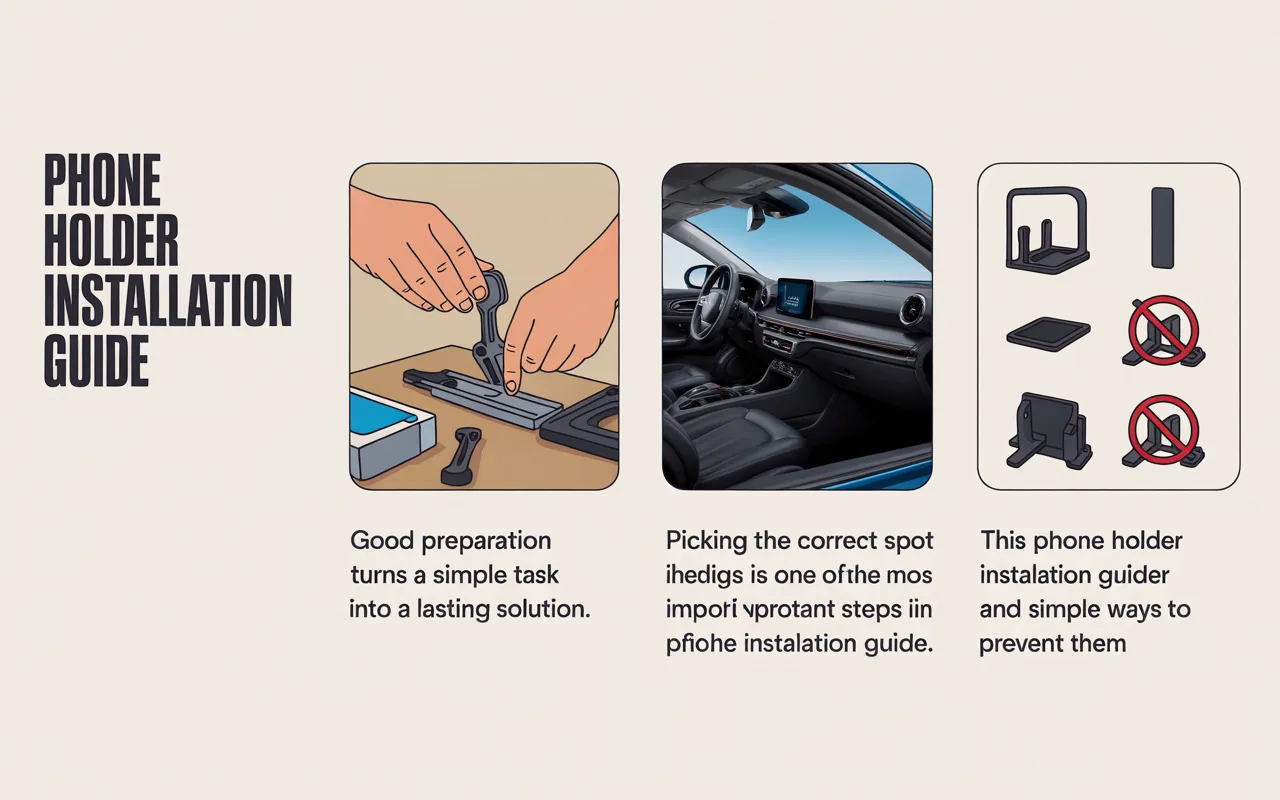
This phone holder installation guide explains clear steps beginners can follow to mount a phone holder safely, choose the right spot, and avoid common mistakes.
Installing a phone holder for the first time can feel confusing, especially if you have never mounted anything inside your car before. This phone holder installation guide is written for beginners who want simple steps, clear explanations, and practical tips without technical language. A properly installed holder keeps your phone visible for navigation and hands-free calls while reducing distractions. Poor installation can cause the holder to fall, block controls, or damage surfaces. Learning the correct process from the start saves time and frustration.
Many drivers rush through installation and end up redoing the work later. Taking a few minutes to prepare and follow proven steps leads to a secure setup that lasts. This guide shares hands-on experience, real-world advice, and safety-focused practices so beginners can install a phone holder with confidence and clarity.
“Good preparation turns a simple task into a lasting solution.”
Chris Fix
Why This Phone Holder Installation Guide Matters
A beginner-friendly phone holder installation guide helps avoid common errors that often happen during first-time installs. Many issues come from placing the holder in the wrong spot, skipping surface cleaning, or using the wrong attachment method. These mistakes can cause vibration, blocked air vents, or even damage to the dashboard.
A well-installed phone holder improves driving safety by keeping the phone at eye level and within reach. It also protects the phone from sliding around or falling onto the floor. This guide focuses on practical outcomes, not theory, so readers can apply each step easily.
Tools and Preparation Before Installation
Before starting, preparation makes the entire process smoother. This section of the phone holder installation guide focuses on what beginners should have ready and what to check inside the vehicle.
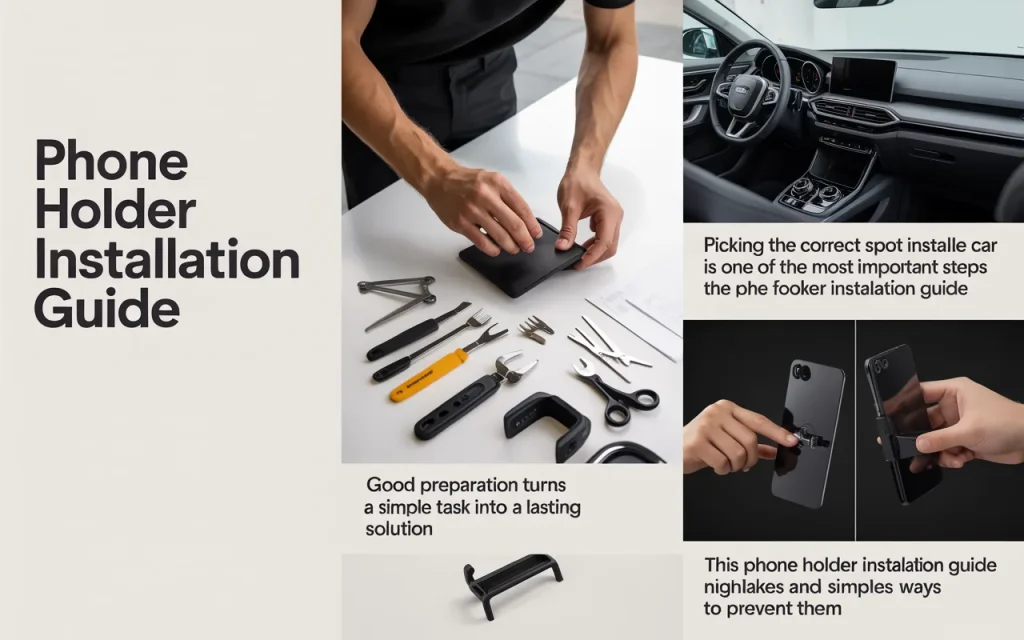
Basic Items You May Need
| Item | Purpose |
|---|---|
| Microfiber cloth | Cleans mounting surface |
| Mild cleaner | Removes dust and grease |
| Phone holder kit | Includes mount and clamp |
| Owner manual | Checks airbag and vent areas |
Cleaning the surface is essential. Dust or oil weakens adhesive pads and suction cups. A quick wipe with a microfiber cloth and mild cleaner creates a strong bond. Checking the car manual helps avoid placing mounts near airbags or sensitive controls.
Choosing the Right Mounting Location
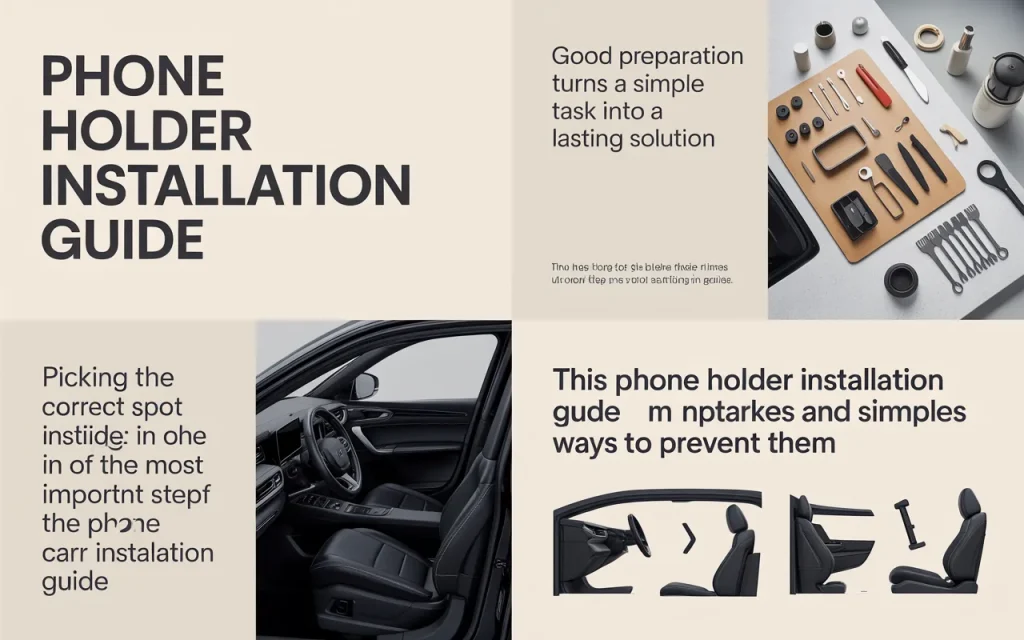
Picking the correct spot inside the car is one of the most important steps in the phone holder installation guide. The location affects visibility, safety, and ease of use.
Common Mounting Areas Explained
| Location | Best Use |
|---|---|
| Dashboard | Stable and easy viewing |
| Windshield | High visibility navigation |
| Air vent | Quick install and removal |
The dashboard offers stability but needs a flat surface. Windshield mounts give a clear line of sight but must stay within legal viewing zones. Air vent mounts are simple but may block airflow or loosen over time. Choose a spot that allows you to glance at the phone without moving your head far from the road.
Step-by-Step Installation for Common Mount Types
This part of the phone holder installation guide walks beginners through installation using simple steps that apply to most holders.
Start by attaching the base to the selected surface. Press firmly if using adhesive and hold for several seconds. For suction mounts, lock the suction lever and test stability by gently pulling. Vent mounts should clip securely without forcing the vent blades.
Next, adjust the arm and angle so the phone sits at eye level. Insert the phone and tighten the clamp until snug. Avoid over-tightening, which can damage the phone or holder. Test by lightly shaking the holder to ensure it stays in place during movement.
“A secure mount depends more on placement than force.”
Scotty Kilmer
Allow adhesive mounts time to cure before driving. Many adhesives need several hours to reach full strength. Patience here prevents the holder from falling later.
Common Beginner Mistakes and How to Avoid Them
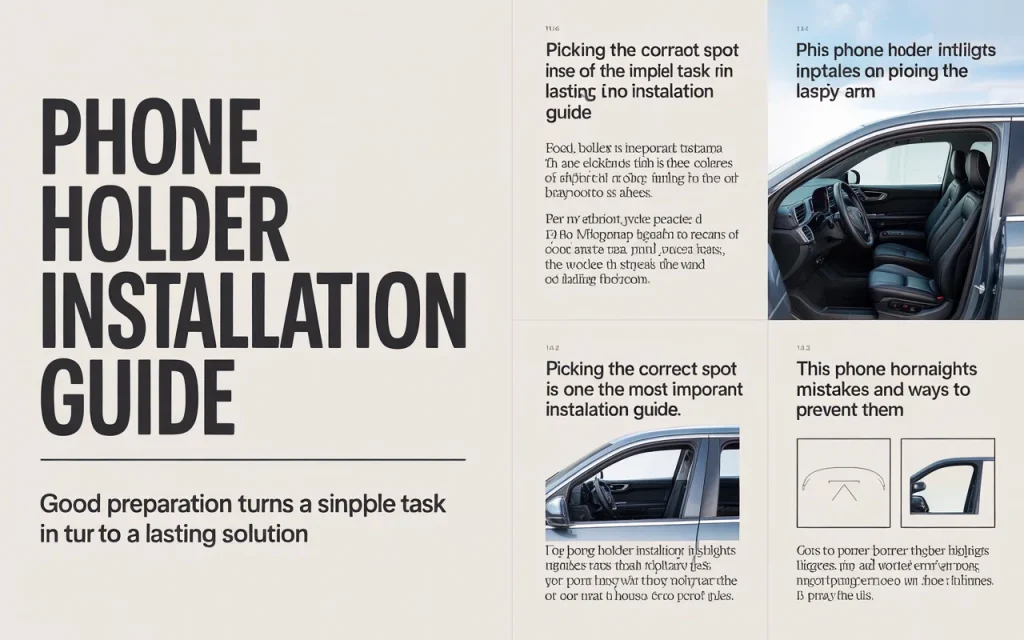
Many beginners face similar problems during installation. This phone holder installation guide highlights mistakes and simple ways to prevent them.
Placing the holder too low forces the driver to look down, increasing distraction. Mounting too close to vents can reduce airflow or cause loosening. Skipping surface cleaning leads to weak adhesion. Rushing adjustments often result in poor viewing angles.
Taking a moment to double-check placement, clean surfaces, and test stability makes a noticeable difference. Small corrections early prevent repeated adjustments later.
Safety and Legal Considerations
Safety is a core focus of this phone holder installation guide. A phone holder should never block the windshield view or interfere with airbags. Many regions have rules about windshield mounts, so keeping the holder within allowed zones matters.
Always position the phone so it can be seen with minimal eye movement. Adjust brightness and notifications before driving to reduce interaction. A properly installed holder supports hands-free use and safer driving habits.
Frequently Asked Questions (FAQ)
Best phone holder type for beginners
Dashboard or vent mounts are often easier for first time users due to simple installation and adjustment.
How long should adhesive mounts set
Most adhesive pads need several hours to bond fully before driving.
Proper viewing angle for safety
The phone screen should sit close to eye level without blocking the road view.
Repositioning a mounted holder
Suction mounts can usually be moved easily, while adhesive mounts may need replacement pads.
“Simple steps done carefully lead to reliable results.”
Larry Kosilla
Conclusion
Installing a phone holder does not need to feel confusing or stressful. By following a clear phone holder installation guide, beginners can create a secure, safe, and comfortable setup that supports daily driving needs. Preparation, correct placement, and careful adjustment make all the difference. With patience and attention to safety, a properly installed holder becomes a helpful driving companion rather than a distraction.