
How to Use MagSafe Car Mount Safely and Correctly
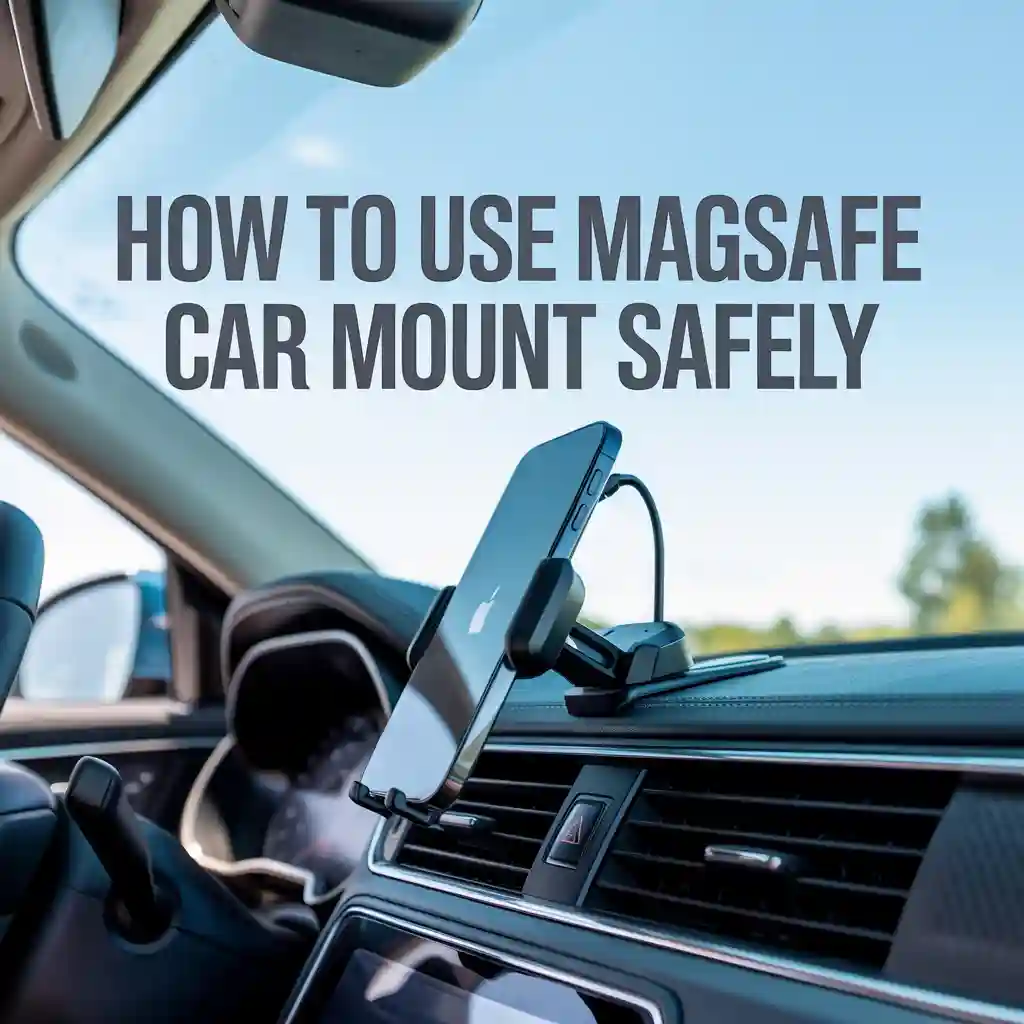
Learn how to use magsafe car mount correctly with simple steps, safety tips, placement advice, and daily use guidance so your phone stays secure while driving.
Introduction
Using your phone in the car should feel simple and stress free. A MagSafe car mount can help you keep your phone visible for maps, calls, and music without holding it in your hand. Many drivers buy one but never fully learn how to use magsafe car mount the right way. That leads to weak attachment, poor viewing angles, or distractions on the road.
This guide explains everything in plain language. You will learn how to use magsafe car mount from setup to daily driving. I will also share placement tips, safety habits, and common mistakes to avoid. The goal is to help you feel confident every time you use magsafe car mount in real driving situations.
“Good car accessories should fade into the background and simply work while you focus on the road.”
Author: Mark Sullivan
What Is a MagSafe Car Mount
A MagSafe car mount uses magnets built into compatible phones or cases. These magnets snap your phone into place without clips or clamps. The connection feels smooth and quick.
MagSafe mounts work best with iPhone models that support MagSafe or with MagSafe compatible cases. Some mounts include charging features, while others focus only on holding the phone.
Why Drivers Choose MagSafe Mounts
Drivers like MagSafe mounts because they feel simple. You place the phone and it clicks into position. You remove it with one hand. There is no squeezing or adjusting arms.
Key benefits include:
- Fast phone attachment and removal
- Clean look on the dashboard or vent
- Stable hold during normal driving
- Easy rotation for portrait or landscape view
Devices and Cases That Work Best
Before learning how to use magsafe car mount, it helps to know if your phone and case are a good match.
Compatible Devices
Most MagSafe car mounts work with:
- iPhone 12 and newer models
- MagSafe certified cases
- Magnetic rings added to non MagSafe cases
If you use a thick or non magnetic case, the hold may feel weak.

Case Thickness Matters
Thick cases reduce magnetic strength. If the phone slips during turns, try a slimmer case or a MagSafe certified one.
“A strong magnetic connection starts with the right case choice.”
Author: Elena Brooks
How to Use MagSafe Car Mount Step by Step
This section explains how to use magsafe car mount in the simplest way possible. Follow these steps and you will avoid most common problems.
Step 1: Choose the Right Mount Location
Pick a spot where you can see the screen without blocking the road. Good spots include:
- Dashboard area near eye level
- Air vent close to the steering wheel
- Windshield area allowed by local laws
Avoid placing it too low or too far away.
Step 2: Clean the Surface
Clean the mounting surface with a dry cloth. Dust and oil reduce grip. This is important if your mount uses adhesive.
Step 3: Install the Mount Base
Attach the mount base firmly. Press it down for several seconds. If it clips to a vent, make sure the vent slats feel strong.
Step 4: Attach the Phone
Hold your phone near the mount. The magnets will pull it into place. You will feel a gentle snap.
This is the moment many users realize how easy it is to use magsafe car mount compared to older designs.
Step 5: Adjust the Viewing Angle
Rotate the phone to portrait or landscape. Tilt it slightly to reduce glare. Set it once so you do not need to adjust while driving.
Correct Phone Positioning While Driving
Phone placement affects safety and comfort. Learning how to use magsafe car mount correctly includes setting the right angle and height.
Eye Level Is Important
Your eyes should move only slightly from the road to the phone. If you need to look down for long, the mount is too low.
Avoid Blocking Controls
Make sure the phone does not block:
- Air vents you need
- Hazard button
- Climate controls
Portrait vs Landscape
Portrait mode works well for calls and music. Landscape is better for maps. MagSafe mounts make switching easy.
Table 1: Best Mount Locations and Their Uses
| Mount Location | Best For | Notes |
|---|---|---|
| Dashboard | Navigation | Clear view without head movement |
| Air Vent | Short trips | Easy install, may block airflow |
| Windshield | Large vehicles | Check local driving laws |
Using MagSafe Mount for Navigation
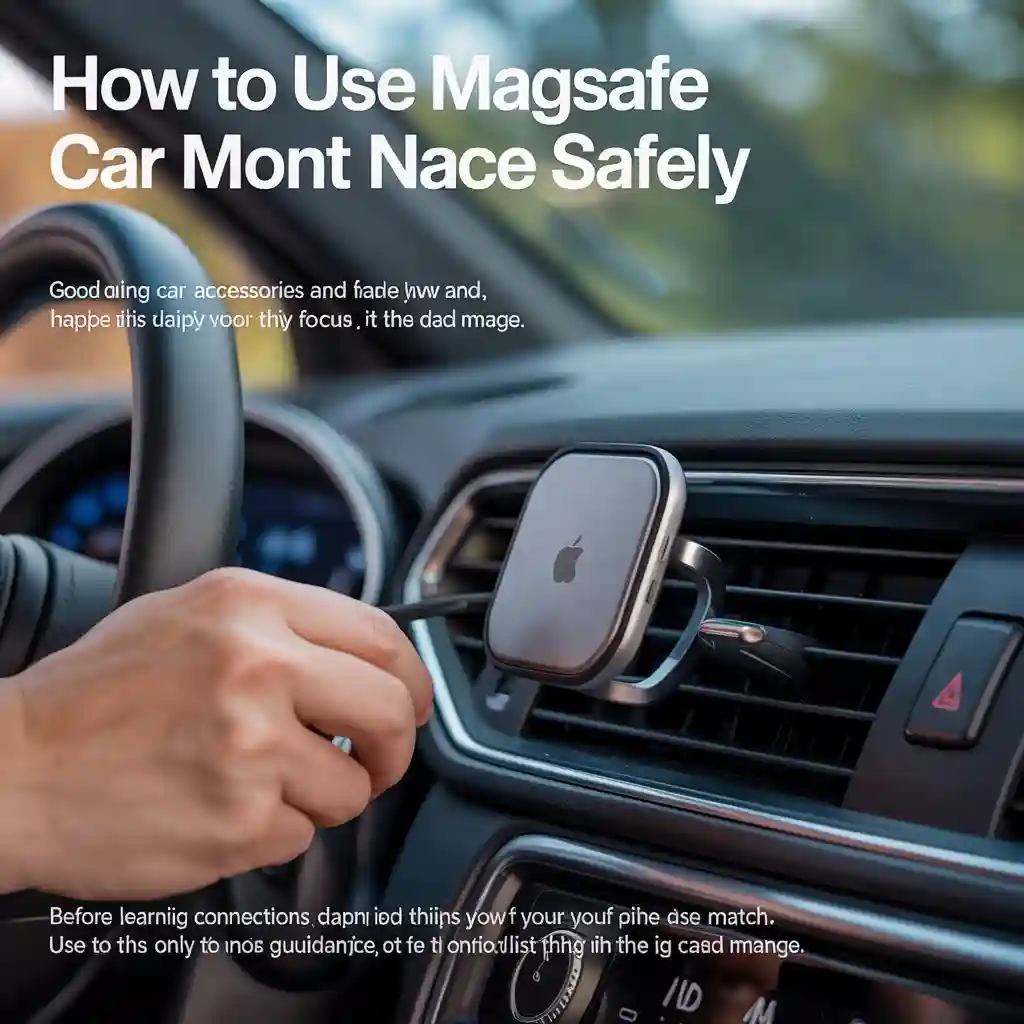
Navigation is one of the top reasons drivers use magsafe car mount. It keeps maps visible without holding the phone.
Setting Up Maps Before Driving
Always set your route before you start driving. This reduces distractions.
Steps include:
- Open the maps app
- Enter your destination
- Start navigation
- Then attach the phone to the mount
Voice Guidance Helps
Turn on voice directions. This lets you keep your eyes on the road.
“Hands free navigation reduces mental load during busy drives.”
Author: Daniel Wright
Using MagSafe Mount for Calls and Music
A MagSafe mount is also useful for calls and music control.
Hands Free Calling
Connect your phone to the car system or use speaker mode. Keep calls short and focused.
Music and Podcasts
Set your playlist before driving. If you need to skip a track, use steering wheel controls if available.
This is another daily moment where drivers appreciate how easy it is to use magsafe car mount without fumbling.
Safety Tips Every Driver Should Follow
Learning how to use magsafe car mount also means using it safely.
Do Not Adjust While Driving
Set your phone position before moving. If it falls or needs adjustment, pull over.
Check Magnet Strength Regularly
Over time, dust or case changes can reduce grip. Test the hold before long drives.
Avoid Overheating
Direct sunlight can heat the phone. If charging wirelessly, heat can increase. Adjust vent airflow if needed.
Table 2: Common Mistakes and Simple Fixes
| Mistake | Problem | Fix |
|---|---|---|
| Thick case | Weak magnet | Use MagSafe case |
| Low placement | Eye strain | Move mount higher |
| Loose base | Phone falls | Reinstall mount |
Wireless Charging and MagSafe Mounts
Some MagSafe mounts include wireless charging. Using them correctly matters.
Proper Alignment
The phone must sit flat for charging to work. If charging starts and stops, realign the phone.
Cable Management
Secure the charging cable so it does not hang near pedals or controls.
Heat Awareness
If the phone feels hot, remove it and let it cool. Heat affects battery health.
Weather and Road Condition Considerations
Different driving conditions affect how you use magsafe car mount.
Hot Weather
High temperatures can weaken adhesive mounts. Check the mount during summer months.
Cold Weather
Cold can make materials stiff. Give adhesive mounts time to adjust.
Rough Roads
If you drive on bumpy roads often, test the mount grip regularly.
How to Use MagSafe Car Mount With Different Vehicles
Not all cars are the same. Here is how usage can vary.

Small Cars
Space is limited. Dashboard mounts usually work best.
SUVs and Trucks
Higher seating allows more placement options. Windshield mounts may work well.
Older Cars
Vent mounts may fit better if dashboards have uneven surfaces.
Regardless of the vehicle, the core steps to use magsafe car mount stay the same.
Cleaning and Long Term Care
Keeping your mount clean improves performance.
Weekly Cleaning
Wipe the magnetic surface with a dry cloth. Remove dust and debris.
Check Adhesive Strength
If the mount feels loose, remove and reinstall or replace adhesive.
Case Inspection
MagSafe cases wear over time. Replace if the magnetic ring feels weak.
Real World Tips From Daily Drivers
Drivers who use magsafe car mount daily often share similar habits.
- Set everything before driving
- Keep the phone at eye level
- Use voice commands often
- Avoid touching the screen in traffic
These habits build confidence and safety over time.
Frequently Asked Questions
How strong is a MagSafe car mount
Most MagSafe mounts hold well during normal driving. Sharp turns or rough roads may test weaker cases.
Can I use a MagSafe mount with a non MagSafe phone
Yes, with a magnetic ring adapter. The hold may feel weaker than native MagSafe.
Is it safe to use magsafe car mount while driving
Yes, if you set it up before driving and avoid touching the phone on the move.
Does wireless charging work through all cases
No. Thick or metal cases can block charging.
Will MagSafe affect my phone battery
Normal use does not harm the battery. Heat management is important during charging.
Where is the best place to install the mount
A spot near eye level without blocking the road or controls works best.
Conclusion
Learning how to use magsafe car mount is about more than snapping your phone into place. It involves smart placement, safe habits, and regular checks. Once set up correctly, it becomes a helpful tool that keeps your phone visible and your hands on the wheel.
If you follow the steps and tips in this guide, you will feel confident every time you use magsafe car mount for navigation, calls, or music. Simple setup and mindful use make all the difference for safer and more comfortable driving.
You have not enough Humanizer words left. Upgrade your Surfer plan.
Related posts
 Why You Should Use a Foam Cannon for Car Washing: Ultimate Guide
Washing your car is more than just making it look good. It protects the paint, keeps the value high, and makes driving feel better. But if…
 How to Clean Leather Seats Without Damaging Them: Expert Tips
Keeping your leather seats clean can be a challenge. Leather looks beautiful and feels luxurious, but it needs special care. Many people worry about damaging their…
 Why Using a Ceramic Coating Spray is Important for Your Car’s Shine
If you care about your car’s appearance and value, you probably wash and wax it regularly. But did you know there’s a better way to protect…