
How to Use Wireless Car Charger Mount
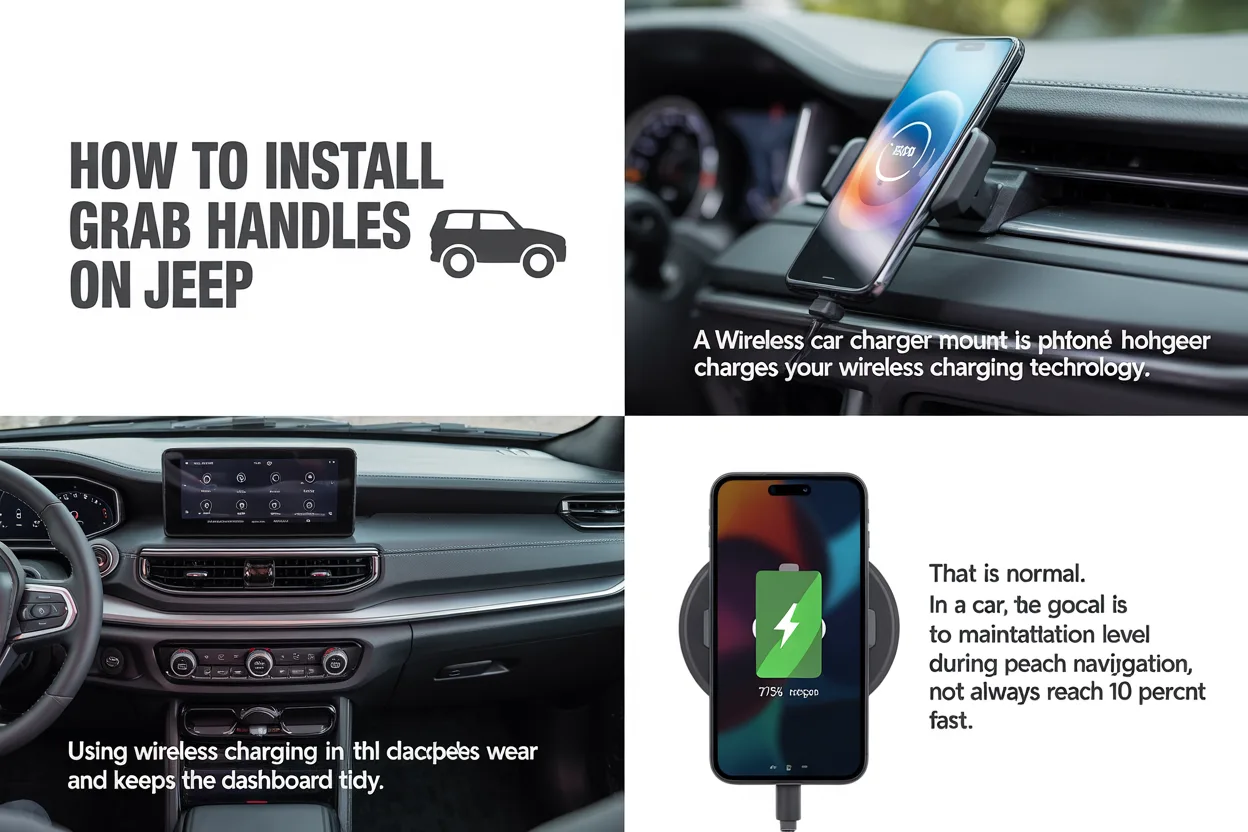
Learn simple steps to use wireless car charger mount safely and correctly for daily driving. This guide explains setup, placement, and charging tips clearly.
Using a wireless car charger mount can make daily driving more comfortable and safer. It keeps your phone visible for maps and calls while charging it without cables. Many drivers buy one but feel unsure about the setup or daily use. This guide explains how to use wireless car charger mount in a clear and friendly way. Everything is written from real user experience, with simple steps that work for most cars and phones.
I have used several mounts over the years in city traffic, long highway trips, and even bumpy rural roads. Some worked well, and some failed due to wrong placement or poor setup. This article shares what actually helps so you can avoid common mistakes and get smooth charging every time.
A good car mount should feel like part of the car, not a distraction.
Author: Daniel Wright
What Is a Wireless Car Charger Mount
A wireless car charger mount is a phone holder that charges your phone using wireless charging technology. You place your phone on the mount, and it starts charging without a cable connected to the phone. Most models use Qi wireless charging, which works with many Android phones and iPhones.
The mount usually attaches to your car in one of three ways: dashboard, windshield, or air vent. It holds the phone steady while driving and keeps the screen easy to see. Learning how to use wireless car charger mount correctly helps protect your phone battery and improves safety on the road.
Check Phone and Charger Compatibility
Before setup, confirm that your phone supports wireless charging. Many modern phones do, but some older models do not. Also check the charger output, such as 10W or 15W, and see if your phone supports that speed.
Common Compatibility Points
- Phone must support Qi wireless charging
- Phone case should not be too thick
- Charger must match phone charging standard
If charging feels slow, remove the case and test again. Thick or metal cases can block charging signals.H2: Choose the Right Mount Location
Placement matters more than most people think. A poor location can block air flow, distract you, or cause the phone to fall.
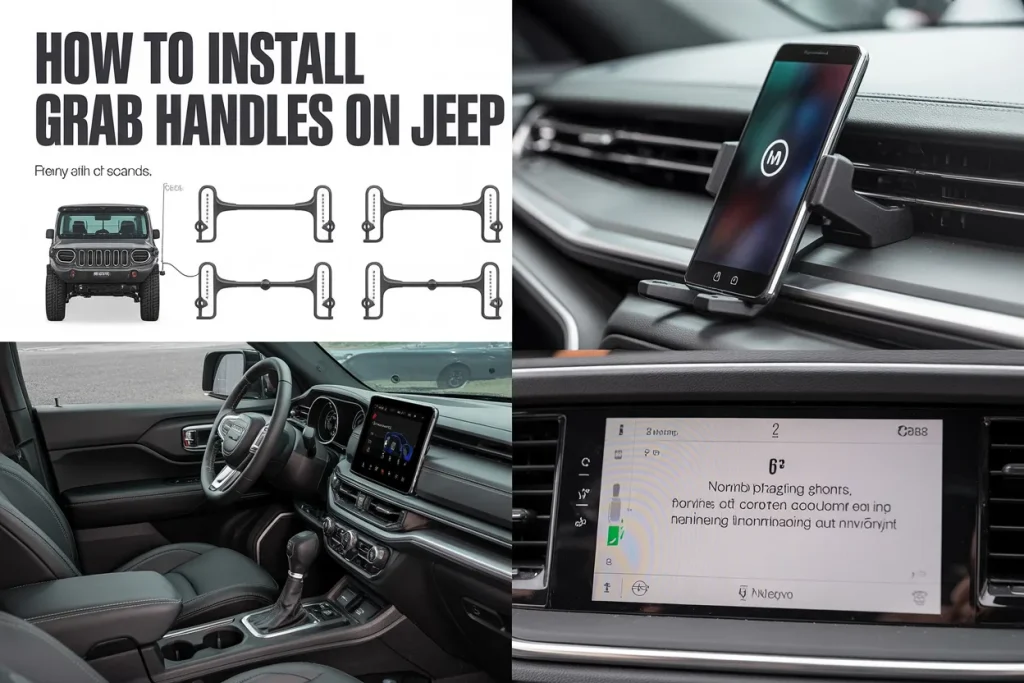
Dashboard Mount
This is popular for daily drivers. It keeps the phone at eye level and stable.
Windshield Mount
This works well for tall dashboards but must not block your view.
Air Vent Mount
This is easy to install but may block air or feel less stable in rough roads.
“Phone placement should support your eyes staying on the road.”
Author: Laura Chen
Install the Wireless Car Charger Mount
Follow the instructions that come with your mount. Most setups are simple and take less than five minutes.
Step by Step Installation
- Clean the mounting surface
- Attach the mount firmly
- Adjust the angle
- Connect the power cable to car USB or adapter
After mounting, gently shake it to check stability. A firm hold prevents drops during sudden stops.
How to Use Wireless Car Charger Mount Daily
Once installed, daily use is very easy. This section explains how to use wireless car charger mount during normal driving.
Place your phone on the mount with the screen facing you. The charger should align with the center of your phone. Many mounts auto grip the phone when power is on.
You will see a charging icon on your phone screen. That confirms it is working. If not, adjust the phone slightly.
Using wireless charging in the car reduces cable wear and keeps the dashboard tidy. After some days, it becomes a habit you do without thinking.
Correct Phone Position for Best Charging
Alignment is key for wireless charging. If the charging coil in the mount does not line up with the phone coil, charging may stop or slow.
Tips for Proper Alignment
- Center the phone vertically
- Avoid tilted placement
- Use portrait mode for most mounts
Some mounts allow height adjustment. Take time to set it once, and daily use will be smooth.
Power Source and Cable Setup
Even though charging is wireless to the phone, the mount still needs power. Most use a USB cable connected to the car.
Table 1: Common Power Options for Wireless Car Charger Mount
| Power Source | Charging Stability | Best For |
|---|---|---|
| Car USB Port | Medium | Short trips |
| 12V Adapter | High | Daily driving |
| Fast Charge Adapter | Very High | Long trips |
Using a quality adapter helps keep charging steady. Weak power sources may cause charging to stop.
Safe Driving and Phone Use
Safety comes first. A mount helps, but you should still limit phone interaction.
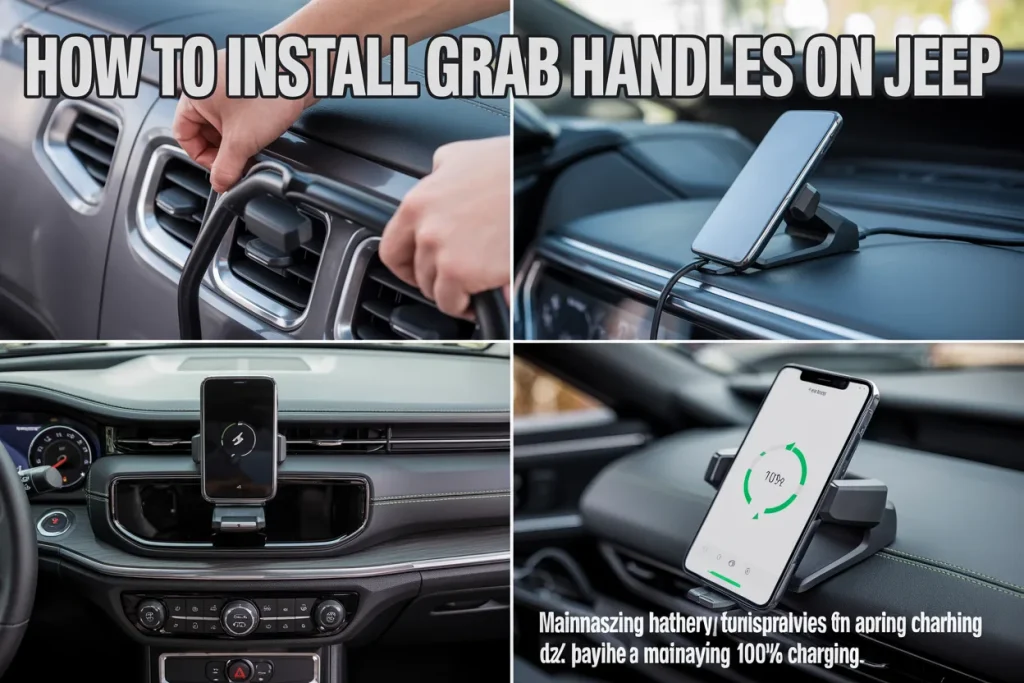
Best Safety Practices
- Set navigation before driving
- Use voice commands
- Avoid typing while moving
Learning how to use wireless car charger mount safely means treating it as a support tool, not a reason to use the phone more.
“Convenience should always support safety, never replace it.”
Author: Michael Torres
Common Problems and Simple Fixes
Even good mounts can face issues. Most are easy to solve.
Phone Not Charging
- Check power cable
- Remove thick case
- Adjust phone position
Mount Feels Loose
- Clean surface again
- Tighten joints
- Change location
Understanding these fixes improves long term use wireless car charger mount experience.
Wireless Charging Speed Expectations
Wireless charging is usually slower than cable charging. That is normal. In a car, the goal is to maintain battery level during navigation, not always reach 100 percent fast.
Table 2: Wireless Charging Speed Comparison
| Charging Type | Average Speed | Heat Level |
|---|---|---|
| Wired Cable | Fast | Low |
| Wireless Mount | Medium | Medium |
Avoid using heavy apps while charging to reduce heat.
Weather and Temperature Effects
Extreme heat can affect wireless charging. In summer, phones may get warm due to sunlight and charging combined.
Tips for Hot Weather
- Use air vent mount with AC
- Avoid direct sun
- Remove phone if overheated
These steps help protect battery health and charging quality.
Cleaning and Maintenance
Keep the mount clean. Dust and dirt can reduce grip and charging contact.
Monthly Care Routine
- Wipe mount surface
- Check cable condition
- Test grip strength
A few minutes each month keeps the system working well.
Is a Wireless Car Charger Mount Worth Using
From real use, the answer is yes for most drivers. It keeps the phone charged, visible, and secure. Cable free charging reduces clutter and wear on phone ports.
If you drive daily and use maps often, learning how to use wireless car charger mount properly brings comfort and peace of mind.
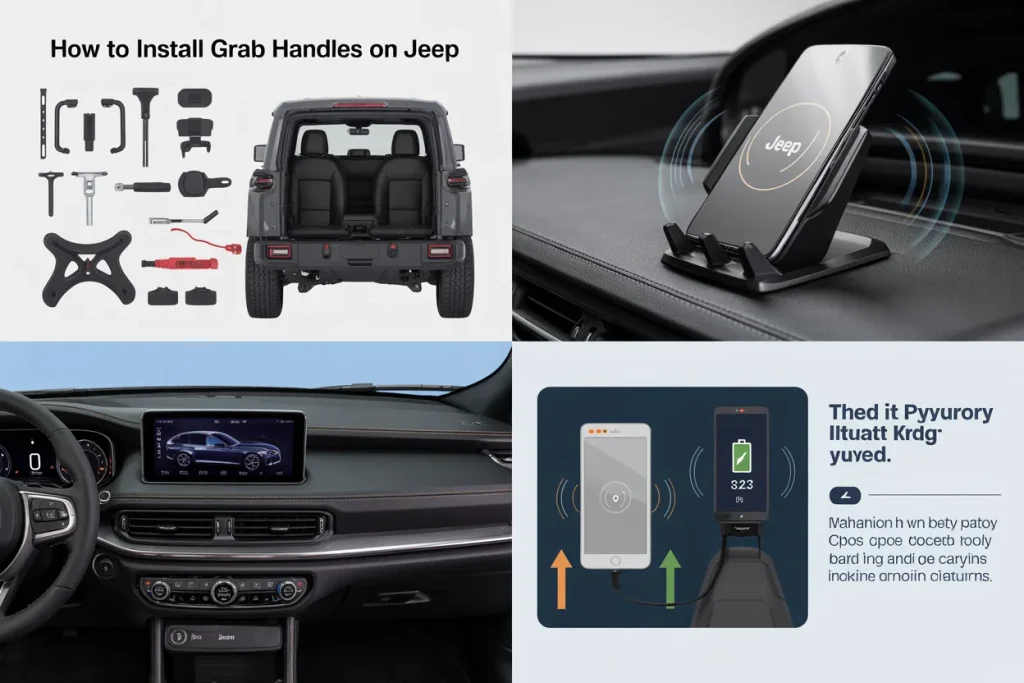
Frequently Asked Questions
Can I use a wireless car charger mount with a phone case
Yes, as long as the case is thin and non metal.
Does wireless charging harm the phone battery
No, modern phones manage charging safely.
Why does charging stop sometimes
Usually due to misalignment or weak power supply.
Can I rotate the phone while charging
Yes, most mounts support rotation without stopping charge.
Is it safe on rough roads
A good quality mount with firm grip stays stable.
Conclusion
Using a wireless car charger mount can make driving easier and more organized. With correct setup, proper placement, and safe habits, it works smoothly every day. This guide showed how to use wireless car charger mount from installation to daily care, based on real driving experience.
Take a few minutes to set it up right. After that, it becomes a simple part of every drive, helping you stay charged, focused, and safe on the road.
Related posts
 Why You Should Use a Foam Cannon for Car Washing: Ultimate Guide
Washing your car is more than just making it look good. It protects the paint, keeps the value high, and makes driving feel better. But if…
 How to Clean Leather Seats Without Damaging Them: Expert Tips
Keeping your leather seats clean can be a challenge. Leather looks beautiful and feels luxurious, but it needs special care. Many people worry about damaging their…
 Why Using a Ceramic Coating Spray is Important for Your Car’s Shine
If you care about your car’s appearance and value, you probably wash and wax it regularly. But did you know there’s a better way to protect…